












Last Updated: November 2026
If you’re searching for the best free PC games to play right now, you’ve come to the right place. We’ve compiled a list of 15 games that don’t need downloads or payments, so you can play right in your web browser.
You can play online games for PC on a basic laptop, a desktop computer, or a school Chromebook. So this guide helps you jump straight into gaming without any hassle.
Key Takeaways
- Play 15 top games across action, puzzle, sports, and shooter genres right inside your web browser.
- These games are 100% free, so you won’t run into hidden fees, subscriptions, or required account signups.
- You can try quick browser games like Santa Claus Merge Numbers Game for puzzle fun, or pick fast racing games instead.
- They work on every major operating system, including Windows, macOS, Linux, and ChromeOS.
- Because you don’t need downloads, you’ll save disk space and start playing in seconds.
What Are 15+ Best Free Pc Games?
These 15+ best free PC games run directly in your web browser, so you don’t need to install software or pay subscription fees. They cover every major genre, including platformers, strategy puzzles, driving sims, and quick arcade shooters.
Most online free games run on HTML5, so they’ll load quickly on almost any computer setup.
Players of all ages love these browser games because they deliver quick entertainment. If you’ve got 5 minutes during a study break or 2 hours on the weekend, these games are easy to jump into. You can play all of them on desktops and laptops.
Top 15 Best Free Pc Games to Play
We’ve picked the top browser games available today. Below you’ll find game breakdowns, control guides, and main features for each pick.
1. Bartender Game: Best for Mixing Drinks
Step behind the bar and try your mixing skills in the classic Bartender Game. Your goal is to pick from different spirits, juices, and ice, pouring and shaking them to make a drink for a picky bartender.
But if you mix the wrong ingredients, he’ll react with funny animations and wild special effects.
It’s a great match for casual puzzle fans who like testing different drink combinations. Bright graphics and funny reactions keep things entertaining even when your recipe doesn’t work out.
Desktop Controls:
- Left Mouse Button: Select bottles, pour drinks, and shake the mixer.
- Spacebar: Serve the finished drink to the bartender.
Mobile Controls:
- Tap Screen: On touch devices, tap ingredients directly on your screen to mix drinks.
2. Santa Claus Merge Numbers Game: Best for Holiday Puzzle Fun
Bring some festive holiday spirit to your brain training with Santa Claus Merge Numbers Game. In this puzzle game, you slide matching Christmas tiles together to merge them into higher numbers. But as the board fills up, you’ll need smart placement to keep your score going.
Upbeat holiday music and bright graphics make this game great for a relaxing session. So it’s one of the top online games free for PC if you like spatial logic and math challenges.
Desktop Controls:
- Arrow Keys or WASD: Slide all board tiles in 4 directions.
- Mouse Drag: Drag specific rows or columns to shift them across the board.
Mobile Controls:
- Swipe gesture: Swipe up, down, left, or right to move the numbered tiles across the grid.
3. Smashed Paints Game: Best for Color Splashing Puzzles
Smashed Paints Game is a mix of puzzle and action where you launch paint balloons across canvases to hit target areas with specific colors. You’ll need to calculate angles and follow paint mixing rules so you can clear every stage as efficiently as possible.
The game gives you dozens of tricky levels that test your logic with colorful paint explosions. It’s easy to pick up, so players of any skill level can enjoy it.
Desktop Controls:
- Mouse cursor: Move the mouse to point your paint launcher in any direction.
- Left mouse button: Hold it down to set your shot power, then let go to fire.
Mobile Controls:
- Drag and release: Pull back on your screen to aim your paint balloons, then let go to shoot.
4. Pirate Bombs Game: Best for Retro Platforming Action
You’ll lead a pirate through retro pixel dungeons filled with traps, explosive barrels, and enemy crew members in Pirate Bombs Game. Dropping timed bombs helps you clear out obstacles and blast away enemies on your path to the treasure chest.
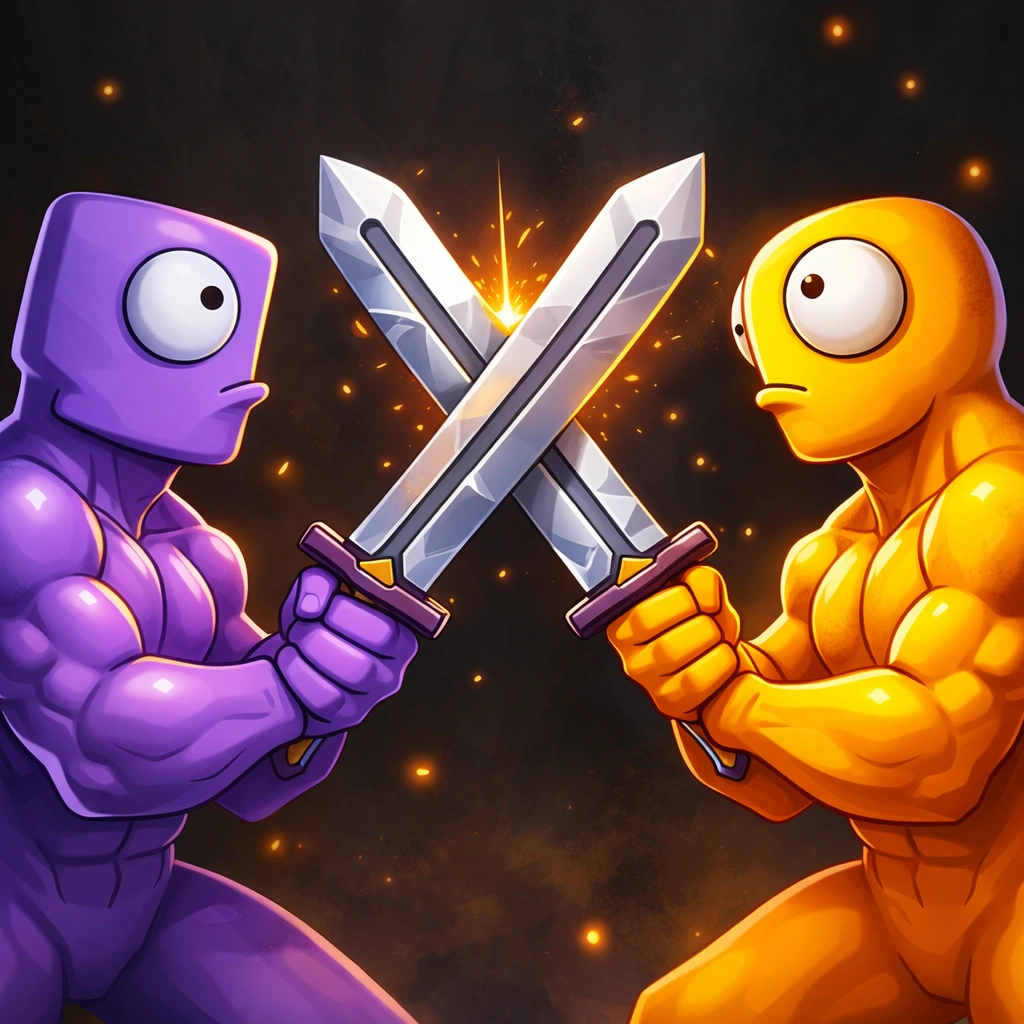
Platformer fans will like the arcade graphics and precise jumping controls. But if you’re looking for more action, you can also check out Stickman Fight Pro Game for fast online combat.
Desktop Controls:
- A and D keys or Left and Right arrows: Walk your pirate left or right.
- W key or Up arrow: Press this to jump over gaps and obstacles.
- Spacebar: Drop bombs to blow up walls or take out enemies.
Mobile Controls:
- Touch D-pad: Tap the screen arrows to move and jump.
- Bomb button: Tap the red icon on screen when you want to plant a bomb.
5. Slide the Ball Game: Best for Tile Maze Puzzles
Slide The Ball Game gives you a grid full of scrambled wooden track blocks. You’ll need to move the tiles around until you’ve formed an unbroken path for the ball to roll from start to finish.
The game features 100s of stages, running from basic starter tracks to complex mazes with multiple steps. So puzzle fans looking for online games for pc without download will find plenty to do here.
Desktop Controls:
- Left mouse button: Click and slide wooden blocks into empty neighboring spots on the board.
Mobile Controls:
- Touch controls: Drag tiles with your finger to complete the track.
6. Alien Hunter Bros Game: Best for 2-player sci-fi Action
You can play Alien Hunter Bros Game alone or with a partner as space warriors clearing out alien stations. You’ll work through levels by solving platform puzzles, turning on elevators, and shooting hostiles together.
Clearer coordination’s necessary once you reach harder stages. Because 2 people can play on 1 keyboard, it’s easily one of the Best Free PC Games to play with a friend.
Desktop Controls:
- Player 1 controls: Move and jump using WASD, then press F to shoot.
- Player 2 controls: Use Arrow keys to move and jump, and press L to attack.
Mobile Controls:
This game doesn’t work on mobile devices.
7. The Pyramid Adventure Game: Best for Ancient Tomb Exploration
In The Pyramid Adventure Game, you lead 2 explorers through Egyptian tomb mazes filled with traps and golden relics. You’ll need to dodge spikes, mummy guards, and falling stones so both characters can make it safely to the escape portal.
Controlling 2 characters means using their unique abilities together to open up the path ahead. That mechanics design makes it a solid pick if you like puzzle platformers.
Desktop Controls:
- WASD keys control how the main archaeologist moves and jumps.
- Use the arrow keys at the same time to move the second explorer.
- And press spacebar whenever you need to flip ancient switches or levers.
Mobile Controls:
This game doesn’t work on mobile devices.
8. Mini Golf Funny Game: Best for Casual Sports Entertainment
Mini Golf Funny Game gives you a fun spin on basic mini golf. You’ll drive the ball through courses filled with moving obstacles, ramps, wind tunnels, and hazards. So try to line up your shots carefully to get the ball in the hole with as few putts as you can.
The touch and drag aiming system feels natural right away, but the course layouts stay tough enough to test your skills. If you like fast reflex games, you can also check out Run 3D Game on floating tracks high above the ground.
Desktop Controls:
- Drag your mouse back from the ball to set the angle and power.
- Release the left mouse button to shoot.
Mobile Controls:
- And on touch screens, drag back and let go to aim and fire.
9. Pop Rush Game: Best for Fast-Paced Arcade Action
Pop Rush Game tests your reaction speed in a fast arcade environment. You’ll need to pop matching shapes and bubbles as they fall toward the bottom of your screen. Fast clicks and quick choices keep your combo multiplier high.
As things speed up, power-ups pop up to freeze time or clear full rows at once. So it’s a great option when you want quick action during short breaks.
Desktop Controls:
- Click target shapes with the left mouse button to pop them right away.
- Spacebar sets off any bomb power-ups you’ve saved.
Mobile Controls:
- Then tap target shapes on your screen as they slide downward.
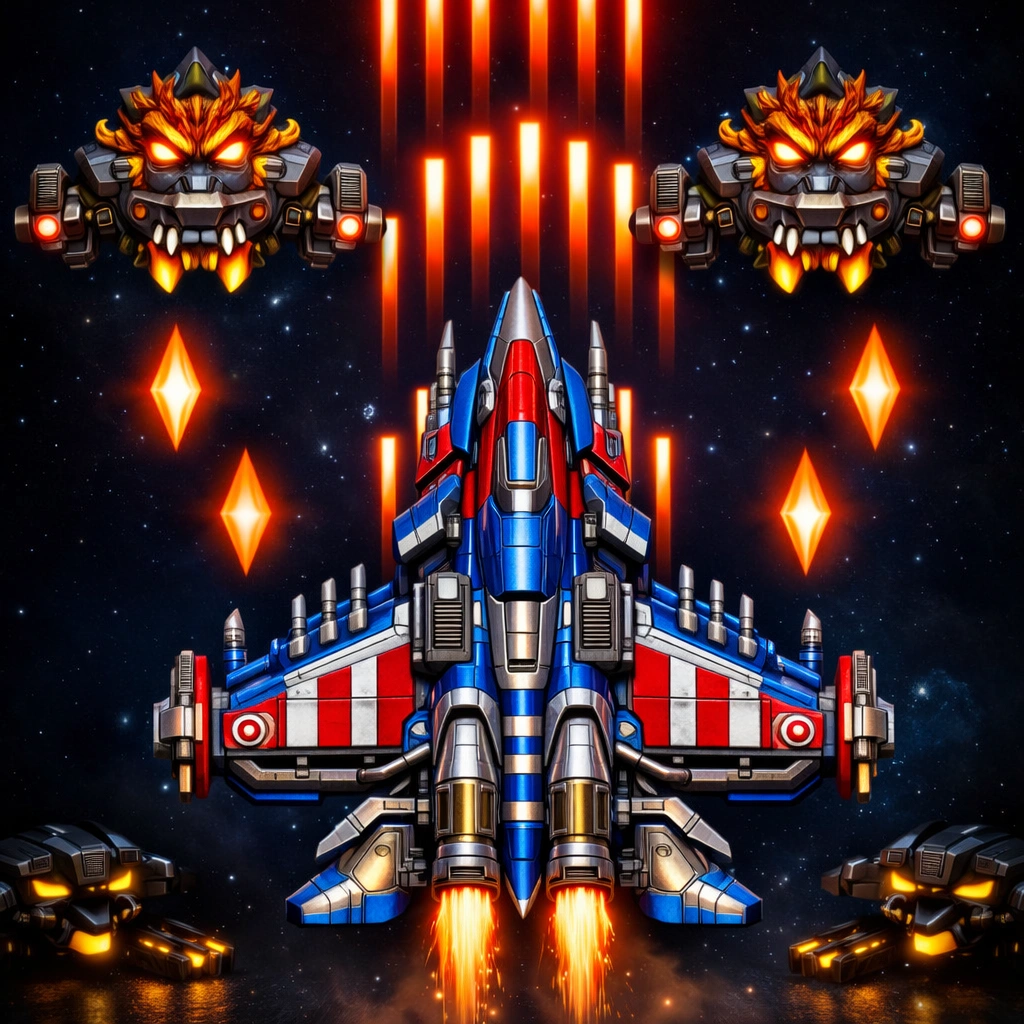
10. Shooting Star Battleship Game: Best for Retro Space Combat
You’ll fly a space fighter in Shooting Star Battleship Game. Steer through enemy star systems, dodge plasma shots, and blast alien motherships. Pick up power-ups along the way to upgrade your shields, lasers, and homing missiles.
The arcade shooter style feels like classic retro games right in your browser. But if you prefer long-range shooting, you can also play Sniper Elite 3D Game for tactical sniper action.
Desktop Controls:
- Move the mouse or use the arrow keys to guide your ship around the screen.
- The left mouse button or Z key fires your main laser.
- Press X or right-click to fire special missiles.
Mobile Controls:
- And you can drag your finger to move the ship on touchscreens.
11. Zombie Mission 10 More Mayhem Game: Best for Cooperative Survival
You’ll fight undead monsters in Zombie Mission 10 More Mayhem Game. The action takes place in future labs filled with mutant creatures. You have to save stranded hostages, collect data disks, and defeat huge boss monsters.
The game has upgraded weapons, distinct characters, and challenging multi-stage levels. Still, if you want heavy tank combat alongside your shooting, try Tank Duel 3D Game to test your skills in armored vehicles.
Desktop Controls:
- WASD keys move and jump the first hero.
- Use F, G, and C to attack, hit, and switch weapons for player one.
- Arrow keys walk and jump with the second hero.
- And keys L, K, and U let player two attack, hit, and change weapons.
Mobile Controls:
This game doesn’t work on mobile devices.
12. Pirate Jack Game: Best for Swashbuckling Action
You’ll control Captain Jack in Pirate Jack Game as he explores tropical islands. Jump over skeleton guards and pick up stolen gold coins as you move through each area. You’ll need good timing to cross swinging ropes and wooden bridges before they break beneath you.
Bright graphics and a lively pirate soundtrack give this game a fun atmosphere. It’s easily one of the best platformers when you want to play online games for pc in your browser.
Desktop Controls:
- Use the Left and Right Arrow keys to run across the island map.
- Hit the Up Arrow or Spacebar to jump over traps and attacks.
- Press the Down Arrow to duck under low obstacles.
Mobile Controls:
- On touchscreens, tap the Left or Right buttons to move your pirate around.
- Tap the Jump button to leap over gaps in the platforms.
13. Small Archer 2 Game: Best for Precision Bow Shooting
In Small Archer 2 Game, you line up bow shots by reading distance, wind speed, and target movement. You’ll want to land dead-center bullseyes to score maximum points and unlock new bows.
Real arrow trajectory physics make those long shots satisfying to hit. So it’s a solid pick if you like casual accuracy games.
Desktop Controls:
- Click and drag the Left Mouse Button to pull back your bowstring and set your aim.
- Let go of the mouse button to fire the arrow at your target.
Mobile Controls:
- Touch and drag on your screen to set the angle and power, then let go to fire.
14. Color Drop Game: Best for Quick Reflex Puzzle Solving
Color Drop Game throws colored droplets down from the top of your screen. You have to spin a central color wheel so the matching color meets each falling drop before impact.
Speed ramps up as your score goes higher, which puts your focus and hand-eye coordination to the test. It’s a great option when you want fast puzzle action right in your browser.
Desktop Controls:
- Use A and D or the Left and Right Arrow keys to spin the dial.
- You can also click the Left Mouse Button on either side of the screen to turn the wheel.
Mobile Controls:
- On mobile, tap the left or right edge of your display to rotate it.
15. Hole Eat Grow Attack Game: Best for Addictive Eating Arena Fun
In Hole Eat Grow Attack Game, you steer a black hole through a city packed with cars, items, and buildings. Swallowing smaller things grows your size so you can pull in skyscrapers and rival holes before the timer ends.
The arena setup keeps every round moving fast. And if you like heavy machinery and rough ground instead, you can drive trucks in Army Truck Driver Online Game.
Desktop Controls:
- Move your mouse or use the WASD keys to guide your hole around the map.
Mobile Controls:
- On touchscreens, drag your finger on the virtual joystick to steer.
How to Pick the Right Game for You
Finding the right game comes down to your device, how much time you’ve got, and what kind of gameplay you like.
- First, check device compatibility. Keyboard-heavy multiplayer games work better on desktop PCs, but simple tap games run smoothly on phones and tablets.
- Think about session time: If you’ve only got 5 minutes, pick quick arcade titles like color matchers or bubble poppers. Save multi-level adventures for longer runs.
- Match your skill level: Beginners usually do better with simple puzzle sliders, while experienced players can jump into complex multi-key co-op shooters.
- Decide between single-player and multiplayer. You can relax alone with a quiet puzzle, or share a keyboard with a friend for 2-player co-op action.
Conclusion
Finding good free PC games doesn’t take much effort today because web browsers can run them directly. You don’t need a high-end computer or big hard drives to play good games, since everything runs right in your browser.
On this list, Zombie Mission 10 More Mayhem Game is our top action pick, and Slide The Ball Game is the top puzzle choice.
Frequently Asked Questions
Is Any Software Download Required to Play These Pc Games?
No, you don’t have to download software or extra files. Every title runs right in standard browsers like Google Chrome, Mozilla Firefox, Microsoft Edge, or Safari using HTML5 tech.
Will These Browser Games Cost Anything to Play?
Yes, they’re 100% free. You get access to full levels, features, and modes without subscription fees, and you won’t ever need to enter credit card details.
Do These Games Work on Budget Laptops or Chromebooks?
Yes, because they’re built to run on lower-spec hardware. Since graphics process through lightweight browser code, budget laptops and Chromebooks handle them easily.
Can 2 Players Play Together on 1 Computer?
Yes, several games support local 2-player co-op. In Alien Hunter Bros, for instance, 2 players can share 1 keyboard by using different sets of keys.
- First important point about the content
- Second point with detailed explanation
- Another noteworthy detail
- Final concluding thought